
Patch Lab Modular Desktop Environment *beta
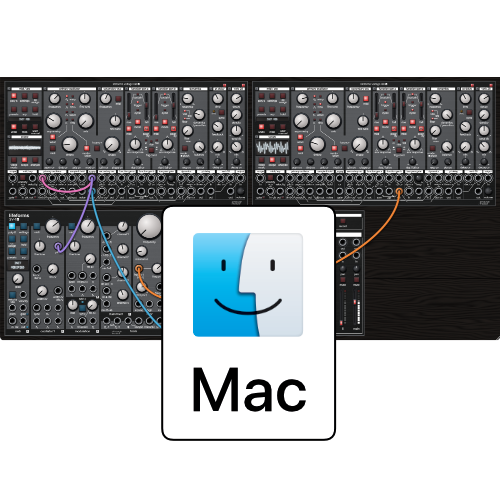
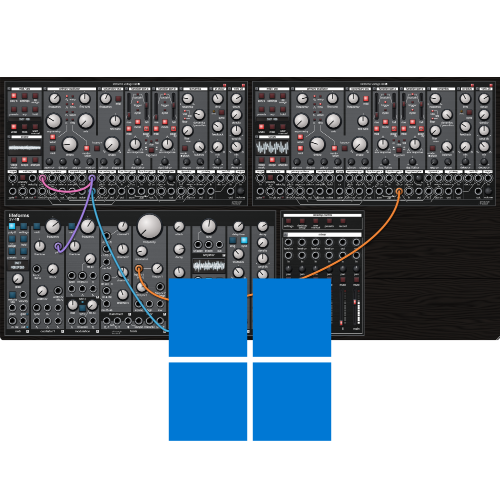
A free desktop app that allows you to patch between up to four Pittsburgh Modular Software Instruments in a combined modular environment. Add up to four of the same instrument or mix and match synths based on your library* of Pittsburgh Modular Software Instruments. Patch Lab functions as standalone software and as a VST and AU plugin for both Windows and macOS.
*To use an instrument in Patch Lab, you must have an active trial or license. Instruments are licensed through their individual apps.
Download macOS
Standalone and AU, VST
Free 7 day trial /
$49 Full Version
Download Windows
Standalone and VST Free 7 day trial /
$49 Full Version
Download using the links above. Microvolt 3901, Voltage Lab V, and/or Lifeforms SV-1v software synthesizers must be activated using their individual apps for use within Patch Lab Desktop Environment.
*Patch Lab is a work in progress but still a lot of fun.
An Unmistakeable Sonic Journey
Patch Lab puts all our software instruments on one desktop and lets you patch between them. Load up to four instruments from your collection, using any combination of the Microvolt 3901, Lifeforms SV-1v and Voltage Lab v, and run cables from any output on one to any input on another, exactly as you would with hardware sitting side by side on a table. Send the Voltage Lab's function generators into the Microvolt's filter, clock the SV-1v's sequencer from another instrument, or use one synth's oscillator as an FM source for the next.
A built-in mixer manages level, pan, mute for each channel. One button recording records individual channels plus the main output. Clocks stay in sync across every instrument on the desktop, and Presets save the state of all the instruments.
More Information
Works with any combination of Microvolt 3901, Voltage Lab V, and Lifeforms SV-1v instruments.
A free modular desktop environment for your licensed Pittsburgh Modular Software Instruments
Built-in User Manual. Tap the ? in any module's title bar to read about it.
Standalone Windows App, AU, and VST plugin instrument
Standalone Windows App and VST plugin instrument
Modeled and flat user interface graphics
Hearing Safety: Resonance, feedback patches and long delays can raise the level suddenly. Start with a low volume.
macOS Info: macOS 12 Monterey or later - Apple silicon or Intel Mac - Formats: Audio Unit, VST3, standalone app.
Windows Info: Windows 10 or Windows 11, 64-bit, Windows 11 ARM64 - Formats: VST3, standalone app.
An internet connection to activate, or offline activation using a machine file - One activation covers every format on the computer - The license is checked online from time to time; a computer that has not been online for 7 days is asked to check again - 7-day free trial available for macOS and Windows. iPad purchases are made through the App Store and need no activation.
Recommended - MIDI keyboard or controller, multi-core processor. Multiple instruments, polyphony, unison and higher oversampling settings increase processing load.